![logo-white.png]](https://knowledge.benq.com/hs-fs/hubfs/logo-white.png?height=50&name=logo-white.png)
Issue: Error message when trying to login to Workspace account using Google slides from the Files section.
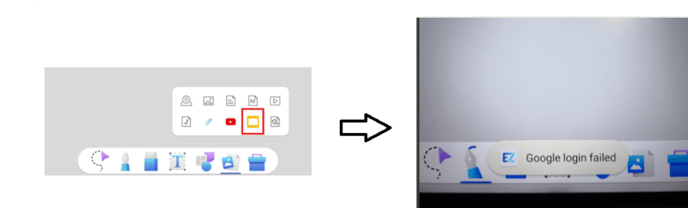
Solution: Add EZWrite App to API permissions within your Google Workspace
Instructions:
- Navigate to your Google Workspace and login to your Admin Console.
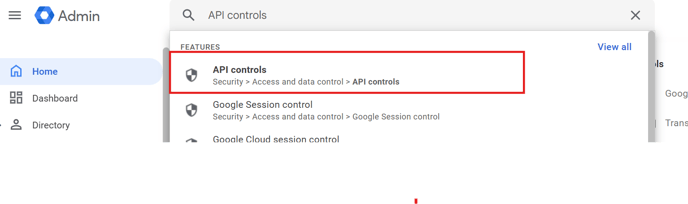
- Navigate to Security > Access and Data Control > API Controls OR search for API Controls in the Search Bar.
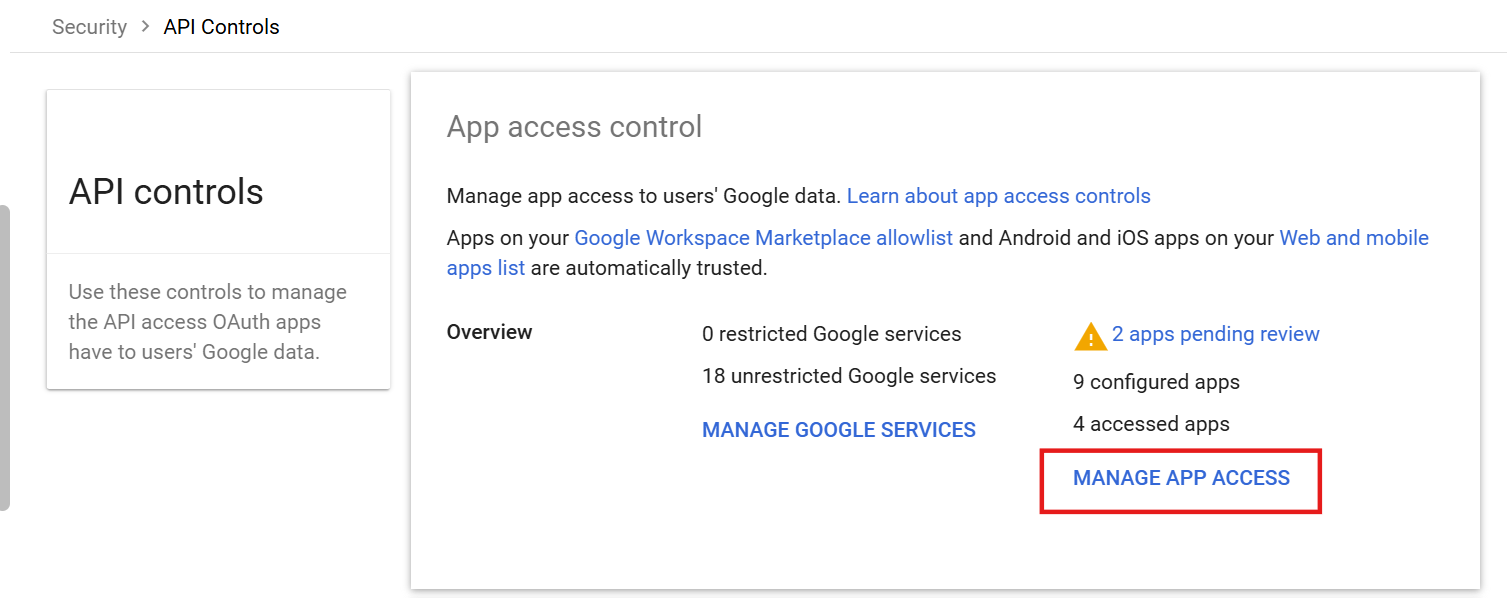
- Click on Manage App Access.
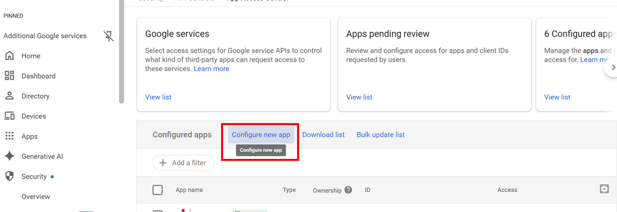
- Click on Configure New App.
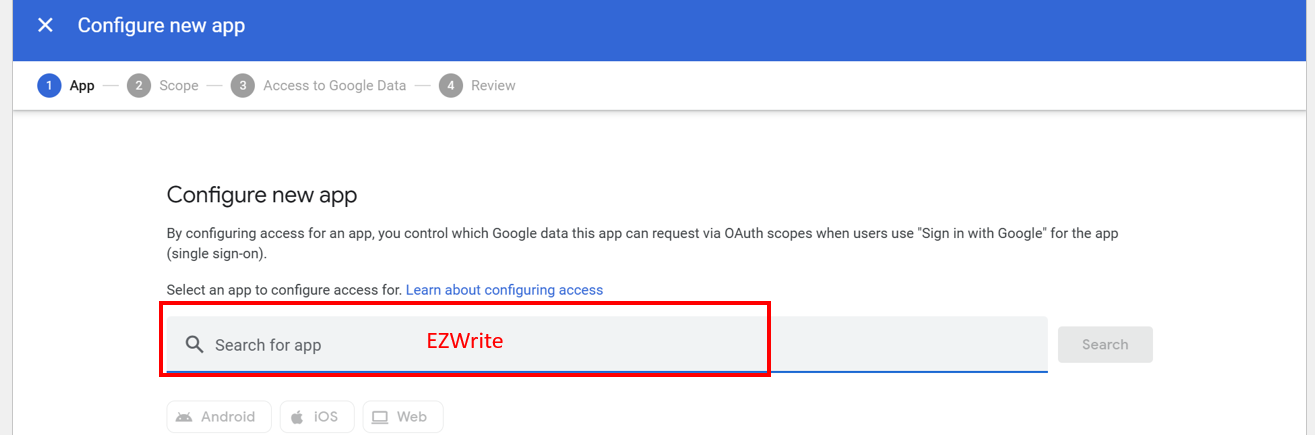
- Search for EZWrite.
- Select the EZWrite App that matches the App ID below. Set it for the respective OU Group(s) and to Trusted.
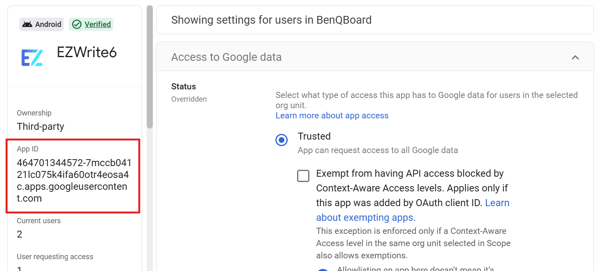
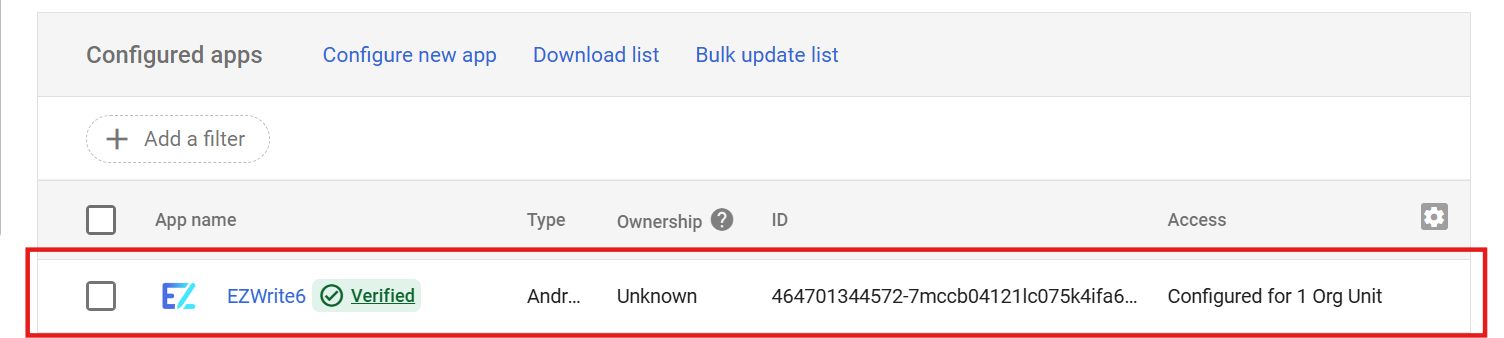
- Once finished, it should show up now in your list of verified applications and allow users to login with the Google Accounts for Slides within EZWrite.